For the last year or year and a half, I have been regularly seeing posts like “we moved from Figma to code,” “designers no longer need traditional graphic tools,” or “now we can build interfaces right away like a real product.” But almost all of these conversations sound too smooth. They usually miss the main part: how this works not in a vacuum, but inside a real product — with rushes, product managers, engineering, complex flows, and constant small edits.
I wanted to test this in practice.
So I ran my own experiment and tried, in many tasks, to stop using Figma and use code-based prototyping instead. Not as a nice weekend demo, but inside a real product, in parallel with my normal work.
One important clarification first. This is not about a designer moving into production engineering. And it is not about writing code that later ships to production. In my case, a coded prototype is a separate design artifact. Its job is to help me build, show, discuss, and test a solution in a more realistic way than a static mockup can.
My hypotheses
I started with fairly simple expectations. I thought code prototyping would:
- speed up design creation;
- make handoff to engineering easier;
- make demos clearer for stakeholders;
- help me iterate faster;
- give me a more native artifact for UX research;
- help me feel the product more strongly than static screens;
- be more convenient than Figma in some types of tasks.
Looking back, I can say that some of these hypotheses were confirmed, but not where I expected. The main value was not really in drawing faster. It was in the type of artifact and in the quality of testing interface behavior.
Conditions of the experiment
I am not a programmer, but I am also not someone who saw code for the first time yesterday. I can read code, I understand the basic frontend and backend infrastructure, I know HTML/CSS, I wrote simple Figma plugins in the past, and I have always built and maintained my own portfolio myself. So, in short, code was not a foreign environment for me.
At the same time, the product I work on is not the easiest one, but it is very revealing for this kind of experiment. It is a mobile AI app. That means I somehow need to prototype a non-deterministic system. In interfaces like this, UX does not live only in the screen itself. It also lives in what the user typed, how the system interpreted it, and what kind of answer it showed next. Static screens do a poor job of showing that.
On top of that, a mobile interface prototype needs to be shown on desktop, on a phone, and sometimes on desktop while emulating a phone.
To make the prototype feel at least a bit like a real product, I had to connect it to a live ChatGPT. Not in a full product form, of course, but as a simplified chat simulation.
The team is also not small: several designers, many product managers, and two platforms — iOS and Android. I did not announce any official move to a new process. I ran the experiment more in stealth mode. That was intentional. First I wanted to understand whether this model worked at all before committing to anything.
The first attempt.
Failed. And that was useful
The first serious attempt ended badly. But that attempt gave me almost all of the important observations.
The first and most obvious problem — Figma is often faster. if you have three small edits in different places and you need the result in 10 minutes, Figma is almost always faster. This is especially noticeable before meetings, when you need to urgently fix something, move something around, or show several variations.
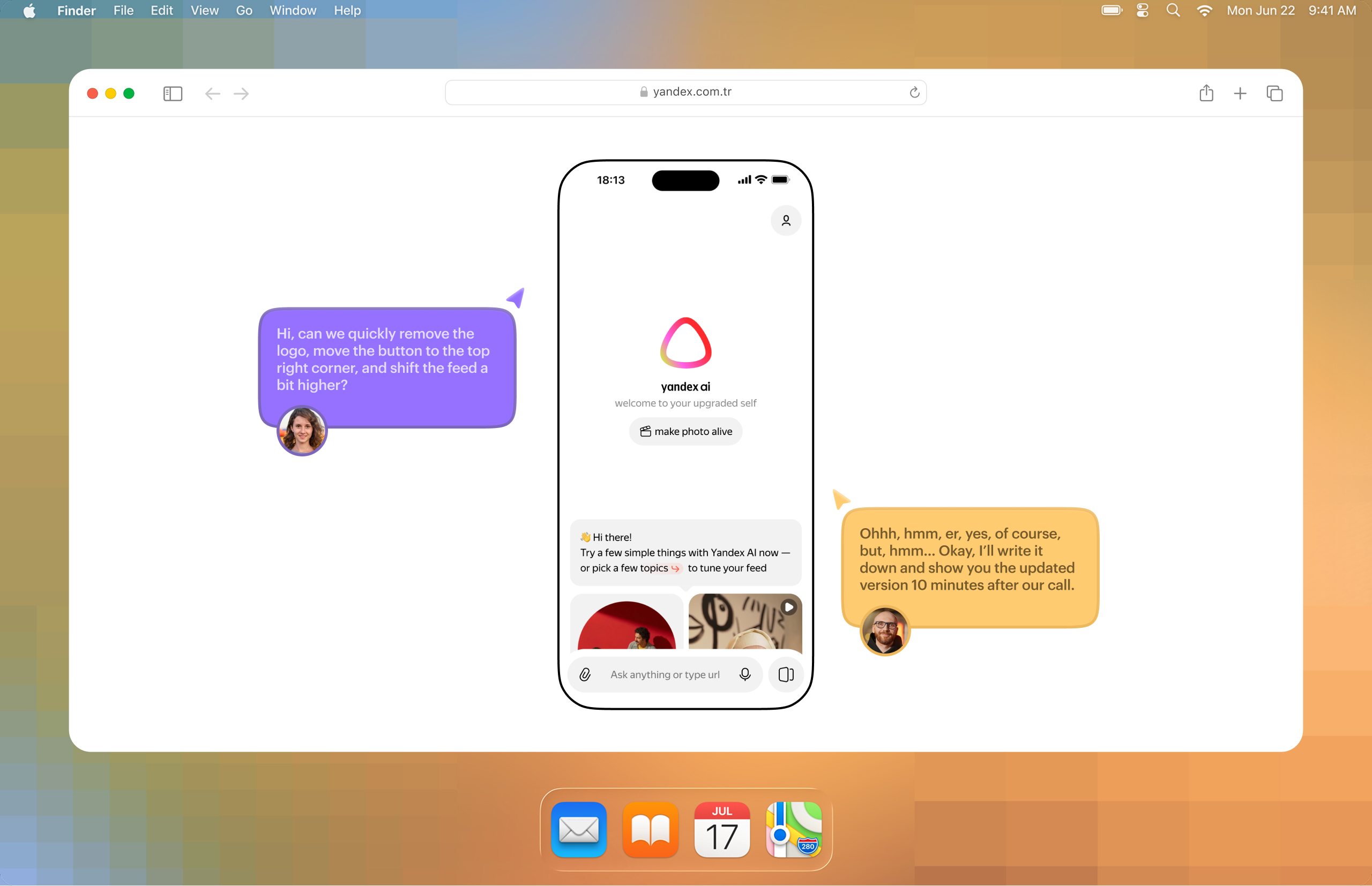
In practice, it looked very simple. For example, you are discussing a prototype with a product manager and want to freely move elements around, tweak them, swap them live during the conversation. Some things can be adjusted quickly through devtools, but far from everything. In the end, you hurriedly rebuild parts in Figma from screenshots of the prototype. It is awkward and slow. And obviously, in the middle of a discussion, nobody is going to write a prompt for an LLM and wait for it to carefully rework something.
The second problem is overview.
In Figma, you see screens side by side, quickly compare versions, stay on an in-between state, and show links between flows. In a coded prototype, everything is different: to understand what is implemented, where you can click, and what state the screen is in, you often have to literally “poke through” the interface. Flow transparency drops sharply.
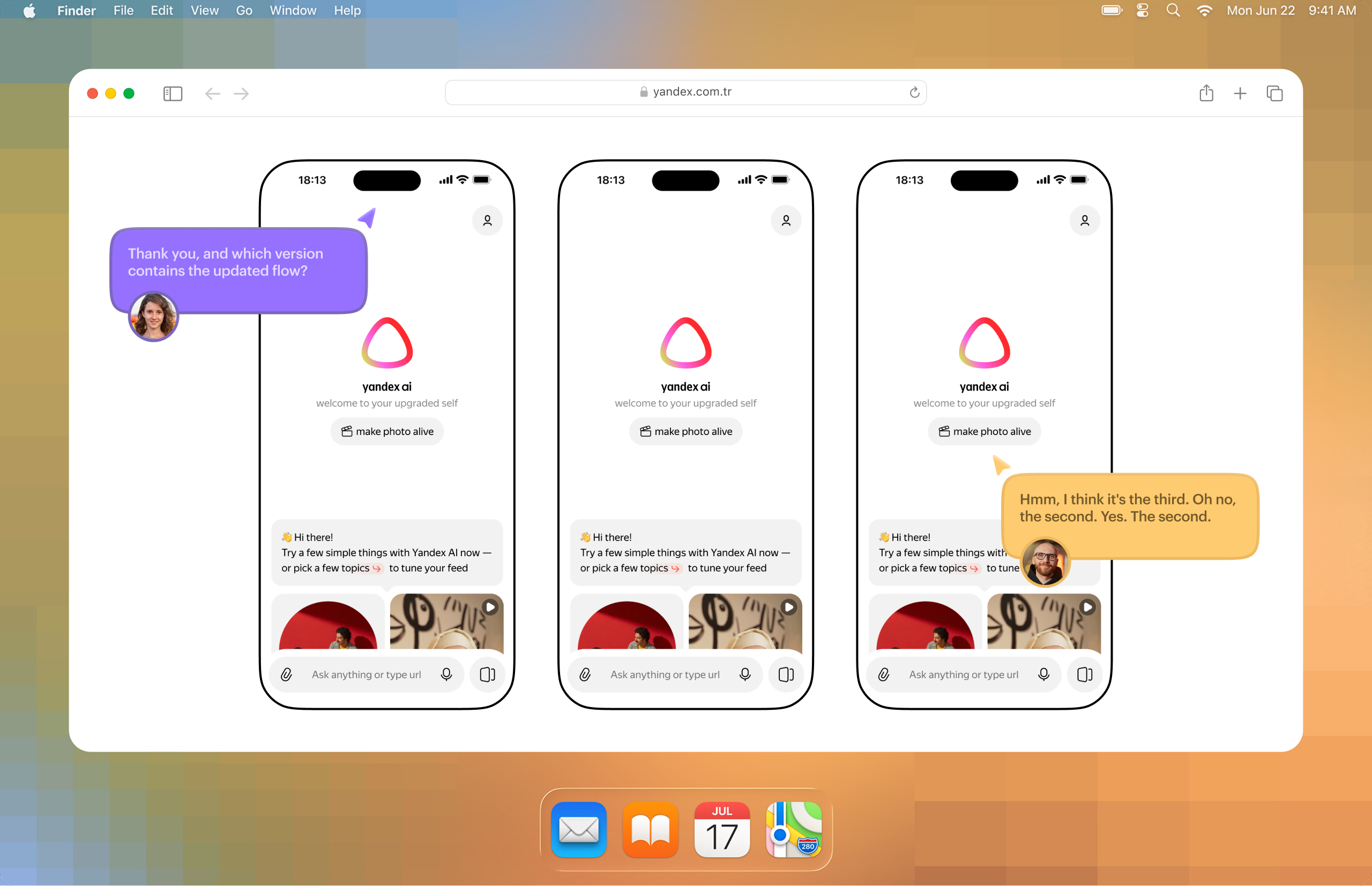
The third problem is handoff.
When you give a developer a mockup, that is one communication model. When you give them a working app prototype, the model changes completely. You now also have to explain how to get to the right screen, how to reproduce the state, where the needed branch of the flow lives, and why it exists in the first place.
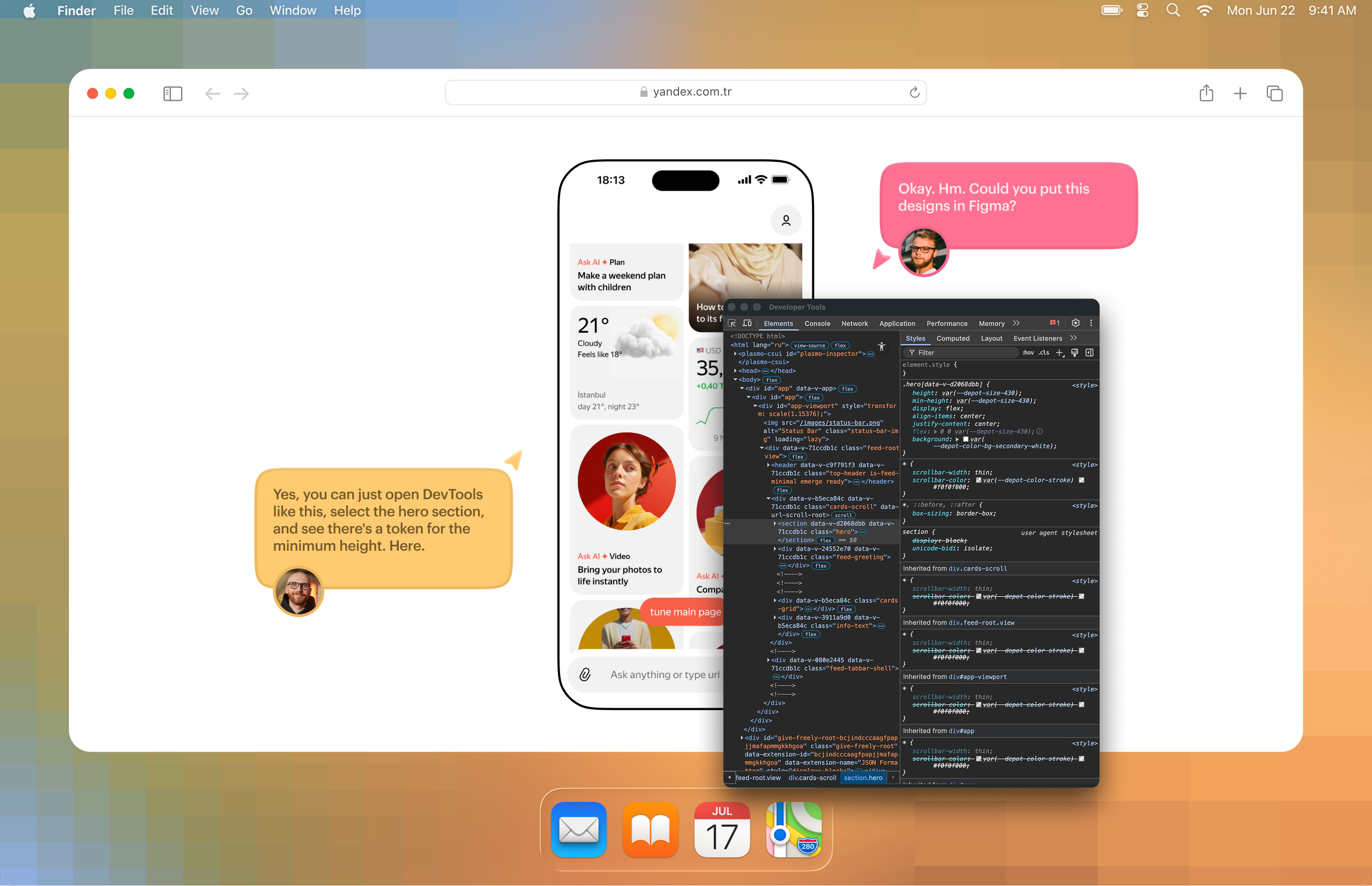
The fourth problem is versions and alternatives.
In Figma, you can easily place two, three, or four variants of the same flow side by side. In code, this is no longer “four frames.” It is almost four separate branches. Any cross-cutting change quickly turns into pain.
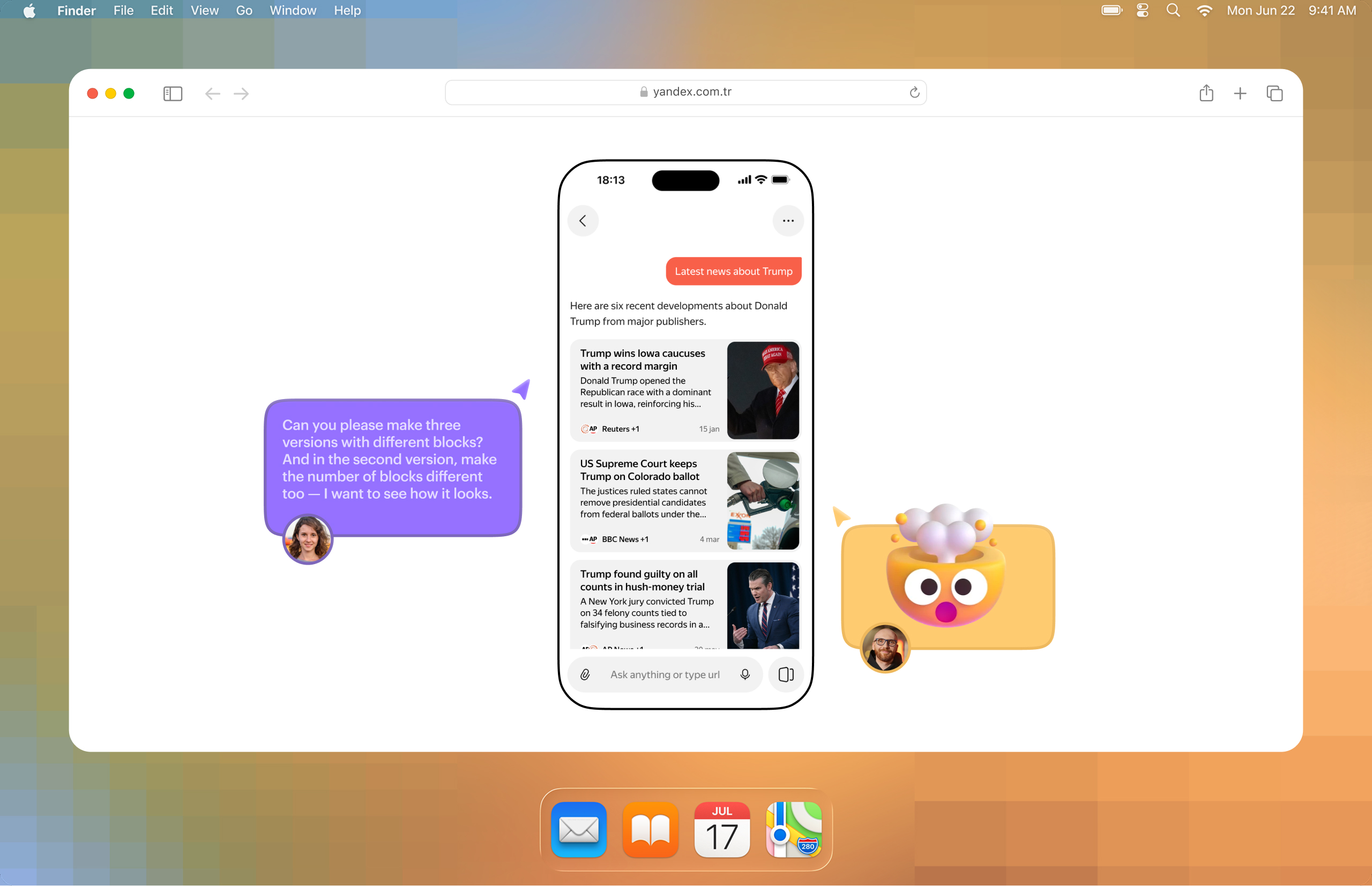
The fifth problem is data.
If you can put it all into one JSON file and load it into the prototype, it is still manageable. If not, you get generation, parsing, APIs, changing contracts, and constant maintenance of a temporary construction. As soon as the data is no longer a simple mock JSON, the prototype starts needing almost engineering-level support.
The sixth problem is the gap between web and native.
A PWA on a smartphone is still not a native app. For many tasks, that is good enough. For some, it is not. And building a real native prototype is harder and more expensive — both in terms of setup and team access. The simplest example is: “Can you please add haptics when the button is tapped?”
Finding 1.
The thinking process itself barely changed
This is important to say clearly, because there is too much confusion around “vibe coding.” Design thinking did not disappear. The need to think through scenarios, data, logic, states, and system behavior did not go away. All of that still has to be thought through in advance.
Yes, LLMs make it easier to discuss an idea, explore more hypotheses, build a rough version, and see it live. But if the logic of the solution is bad, a coded prototype will not save it. It will simply materialize a bad solution.
Finding 2.
A prototype needs an overview layer on top of it
The most important insight of the whole experiment was not about code generation and not about speed.
I realized that a coded prototype almost inevitably needs a second interface on top of the prototype itself. Some kind of overview layer — a separate canvas where you can see screens, states, versions, and entry points, and from which you can open the needed screen. Because a live interface by itself is bad for overview.
To solve this, I built a small service that takes a markdown file and turns it into a layout of screenshots. In other words, it is a canvas of versions and states. You can zoom it like in Figma, quickly switch between sets of screens, and open the real prototype by clicking on a screenshot.
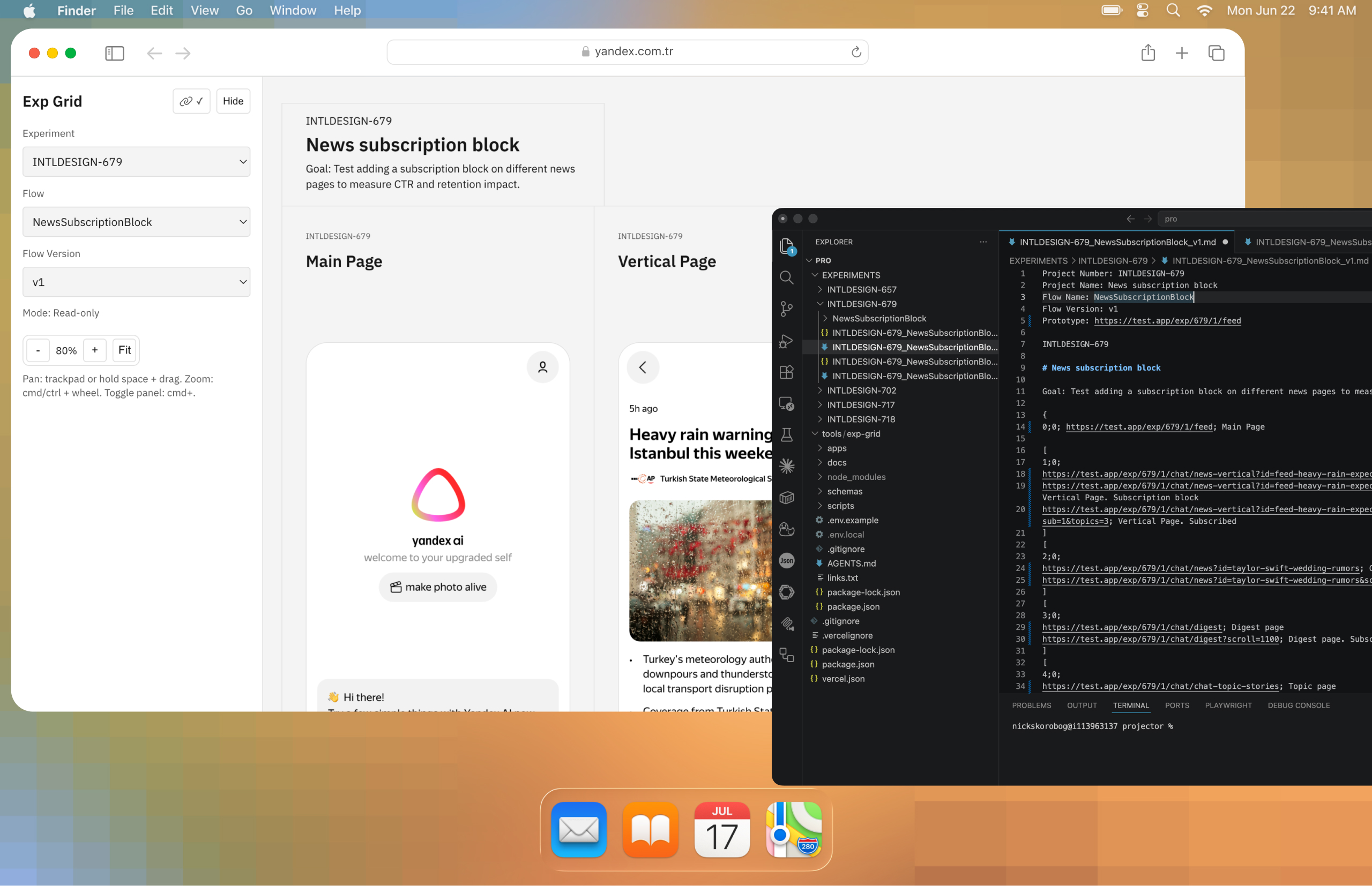
For me, this was the turning point. At that moment, the coded prototype stopped being a black box and became a convenient discussion object again. A developer and a PM could see all the key states on a canvas, quickly open the needed scenario, compare versions, and understand what exactly they were being shown.
In other words, I came to a strange but logical conclusion: if a coded prototype really wants to compete with Figma as a communication environment, it needs its own Figma-like overview layer.
Finding 3.
For prototypes copy-per-use is useful
Another important thing became clear at the infrastructure level.
At first I thought about the usual ways of organizing variants: flags, branches, some more “correct” architecture. But very quickly it became obvious that this is inconvenient for a prototype. Flags spread across dozens of places and start affecting each other in hidden ways. Branches are more reliable, but too heavy for use, comparison, and deployment.
In the end, I came to an approach that would look like a bad idea for production, but turned out to be almost perfect for prototyping: copy-per-use. That means a separate copy for each specific experiment, without trying to build an ideal architecture too early. A separate folder for every scenario or group of scenarios, with all changes for that experiment inside it. Yes, the number of files grows. Yes, there is duplication. But experiments become fully isolated, do not break each other, and do not infect the main structure.
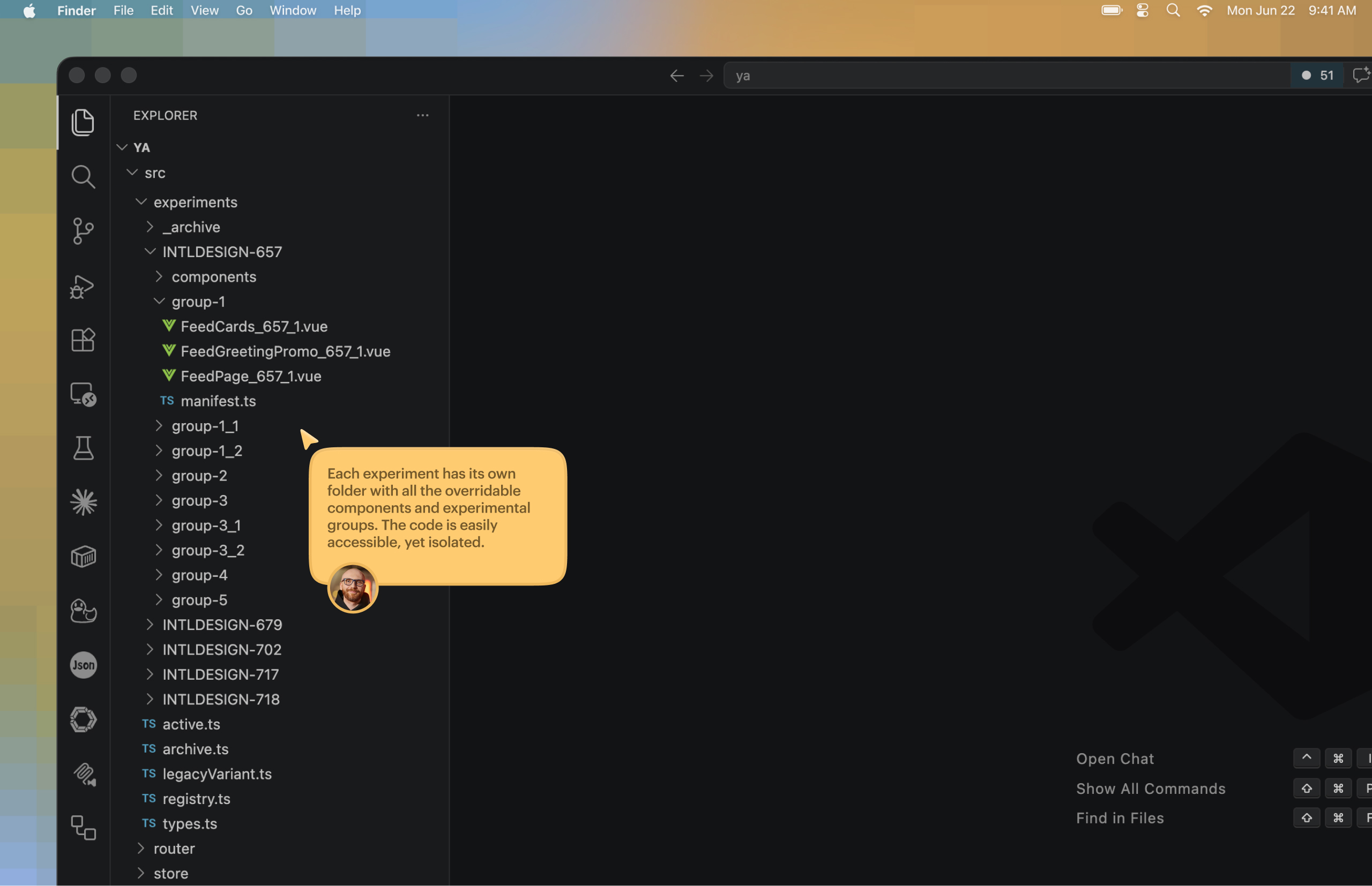
For prototyping, this turned out to be much more practical than trying to build a “clean” engineering system too early.
Finding 4.
Code prototypes most useful for UX research
Interesting things happened exactly where the product itself does not fit well into a static mockup.
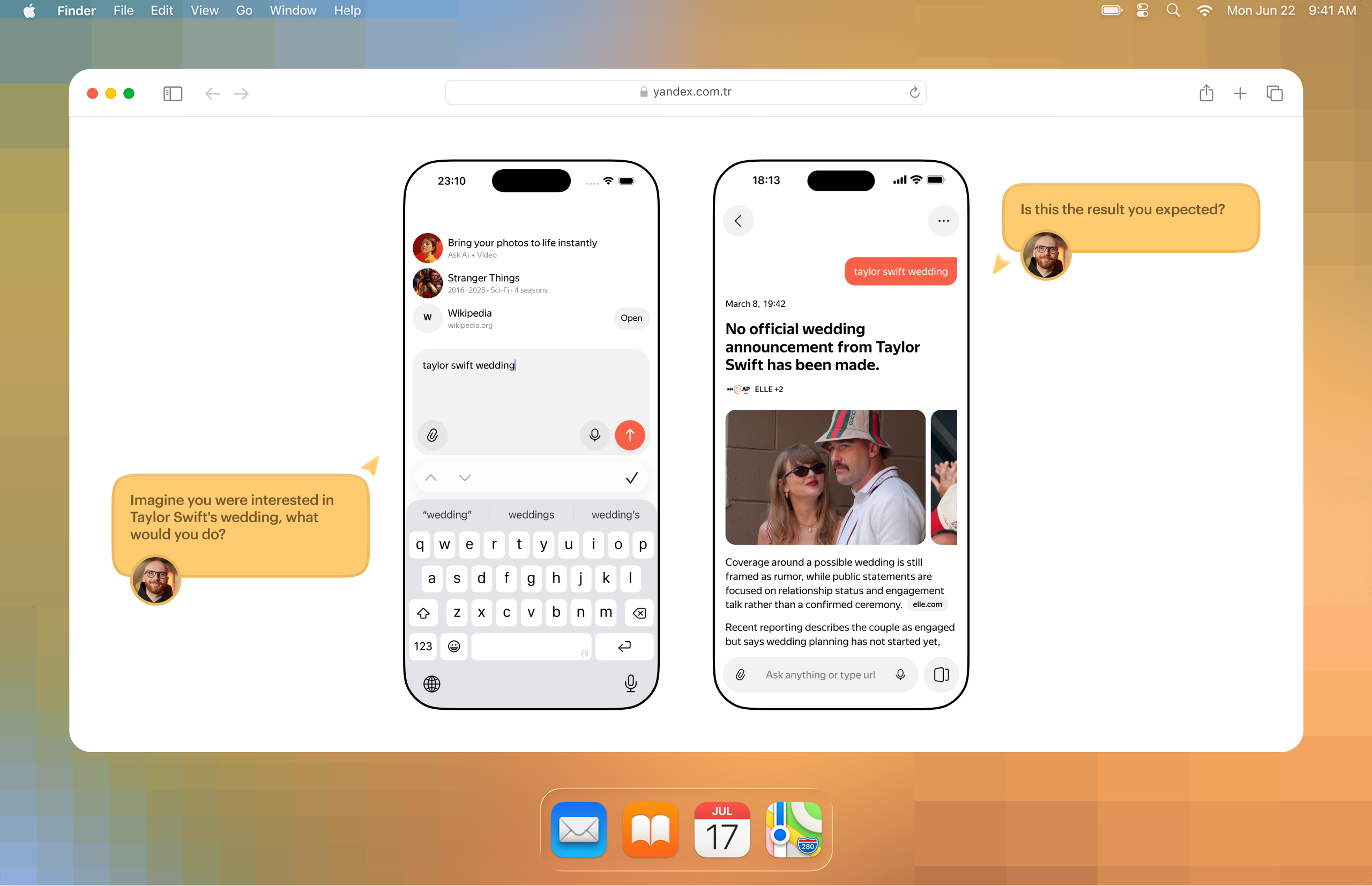
For research, it is sometimes important that a user types a real question and gets an answer page in return. The problem is that the same intent can be phrased in ten different ways. In static screens, this quickly becomes fake: either you hardcode a very narrow scenario, or you show a generic placeholder that does not really test much.
Here a classifier helped me. It mapped differently worded user queries to the right prebuilt page, even when the answer itself was still hardcoded. Because of that, it became possible to run quantitative research for prototypes of non-deterministic systems without the whole thing feeling completely fake. Even though it was still a bit fake, because the returned page was static 🫠
There was another useful case too — onboarding testing. When a user selected several interests, the chat automatically generated relevant follow-up suggestions. I did not have to hardcode those manually for every possible set of interests. It already felt much closer to a real product than a normal static scenario. And for both research and stakeholder discussion, this kind of prototype worked noticeably better.
These were the moments when I started to understand why I was doing all of this in the first place. Not to “draw in code,” but to test UX where the UX actually lives in system behavior, not in one frozen screen.
Second attempt.
More successful. But there are still a lot of things to care about
Once the first wave of infrastructure problems was partly solved, more fundamental things appeared.
First, not everyone on the team needs a coded prototype at all.
Sometimes a product manager does not need an “almost live interface.” They need a familiar mockup that can be opened quickly, reviewed, and discussed in the usual way. This is also true for part of engineering.
Second, if the design team does not agree on one working model, the value of this approach drops fast.
Because supporting both code and Figma at the same time is just dumb double work. And there is still no reliable bridge between the two worlds.
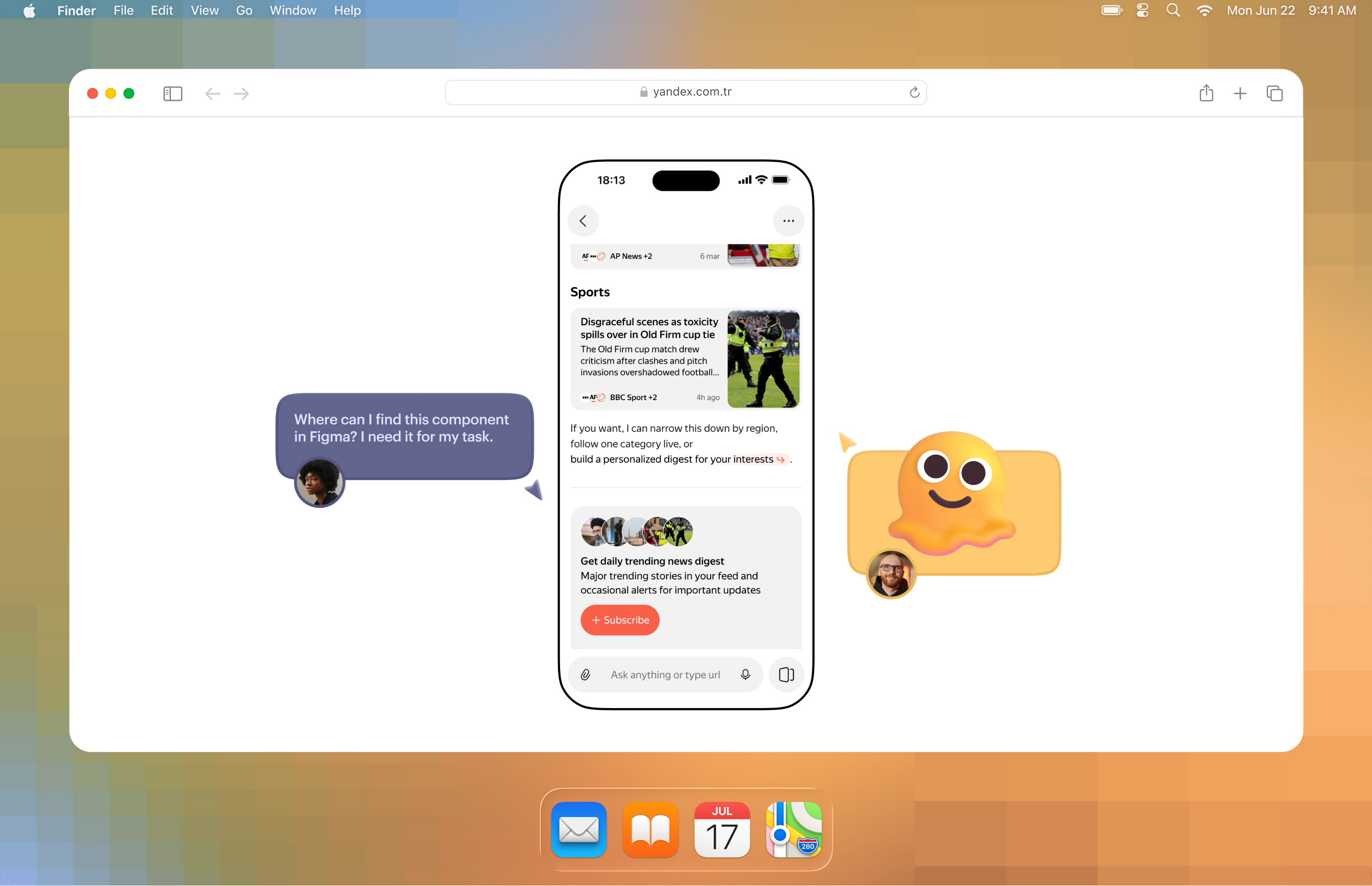
Third, speed becomes an issue again.
Some bigger things in code really can produce a stronger and more mature artifact. But quick small edits, sudden “show it one more way” requests, and dozens of micro-variants still live much more naturally in Figma.
Fourth, the design system becomes critical.
Not in the sense of “you need a set of buttons,” but in the sense of a component library, understandable documentation, and a proper way to reuse things. Otherwise every new screen starts being assembled almost from scratch again. In my case, the problem was not the lack of a design system as such. The problem was that the existing one was heavy, full of legacy, and poorly prepared for agent-based assembly.
And finally, after some time, you stop remembering which components, flows, and screens even exist inside your prototype. That means you need at least a simple component showcase. And after that, probably something more systematic. So the prototype itself starts demanding its own mini-infrastructure. On the other hand, that infrastructure may turn out to be much more flexible and adaptable than Figma.
Conclusion 1.
Code is better for behavior-heavy tasks, not just screens
A coded prototype works better in tasks where the main thing is behavior, not visual layout alone. It is more useful when you need to show logic, navigation, transitions, data handling, complex states, real delays, AI interface dynamics, and scenarios. In these cases, it helps discuss not only how the interface looks, but how it actually works and feels.
In some situations, it can also be faster in practice. For example, when building a large set of screens, flows, states, tables, diagrams, and components for a major sports event, code made it possible to assemble a clickable and scrollable artifact in two or three days. In Figma, creating the same amount of realistic mockups with data would likely have taken more time.
Conclusion 2.
Figma is better for quick iteration and team routine
Figma is still stronger when the task is about speed, simplicity, and existing team workflow. It is better for small fixes, quick exploration, comparing several options side by side, leaving comments on a canvas, showing intermediate states, and syncing fast with a team that already works in that environment.
If designers and engineers are clearly separated by role, if the coded prototype is not reused later, and if stakeholders do not need that level of realism, then code will most likely just slow the work down. In those cases, the overhead is simply not worth it.
Conclusion 3.
It’s a separate mode of work, not a replacement for Figma
A coded prototype should not be treated as a universal replacement for Figma. The experiment did not prove that code is simply faster, and at early stages it often does the opposite, especially when there is no agreed process and no shared understanding of why this artifact is needed.
Its main value is not that the designer now “draws faster,” but that it produces a different kind of artifact, one that can be more honest and useful for certain UX problems.
So for me, code-based prototyping is not a new default. It is a separate working mode for a specific class of tasks, mainly where static screens fail to communicate the essence of the product. Without that understanding, it quickly turns into an expensive technical exercise.
What happens next
I do not think big teams will move from Figma to pure code any time soon without intermediate models. Too many processes depend on overview, collaboration, and a low entry barrier.
But I can absolutely believe in another scenario: a team has a shared prototyping layer connected to the component base, people have personal sandboxes for experiments, and on top of all of that there is a convenient overview interface that brings back the transparency people are used to in Figma.
This experiment was useful to me for exactly that reason. It did not prove that Figma is no longer needed. It showed where a coded prototype is truly stronger, and where the talk about “we do everything directly in code now” is still far from reality.
Appendix.
What the process looks like
Of course, a new tool changed the design process. The flow ended up looking roughly like this:
- A task comes in.
- Discussion with the product manager to clarify all details.
- Research, task analysis, and solution design. Understanding the needed data, components, screen structure, and flow. Whether this is done with sketches, in Figma, or just by collecting screenshots is not that important. The main thing is to reach clarity. Reworking things is usually longer and harder, even with AI (or especially with AI).
- Collecting, parsing, or generating the data needed for the first version of the task: images, headlines, texts, metadata, data for charts or tables, and so on. You can improve the data later, but you need a basic foundation first, so you can build components against some contract.
- Writing prompts for new components or component variations needed to assemble the screens.
- Building the components. In this process I actively use the Figma MCP server to get higher quality implementation, if the components were originally designed in Figma. If not, you can try building from screenshots or sketches. Or describe the elements, sizes, and rough spacing in text and then adjust everything in devtools.
- Assembling screens and flow navigation. This is the final stage, where we build screens almost like from a constructor and connect data.
- My personal extra step: assembling flow from screenshots, so different screen states can be shown more clearly through the service I built.
- Discussion → research → next iteration.
So the thinking stage did not disappear. But the final artifact became closer to the product.